
Celebrating 10 years of GCal
Google Calendar,
made for your Mac.
Your familiar calendar. More personal, more capable, and built around the way you work.
4.716K ratings worldwide
★★★★★
Does exactly what it says it does
It's so nice to not have to load up Chrome to get to my calendar (or futz around with iCalendar syncing).
★★★★★
Amazing
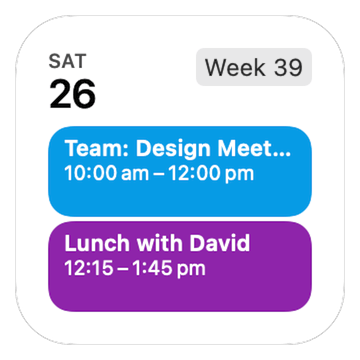
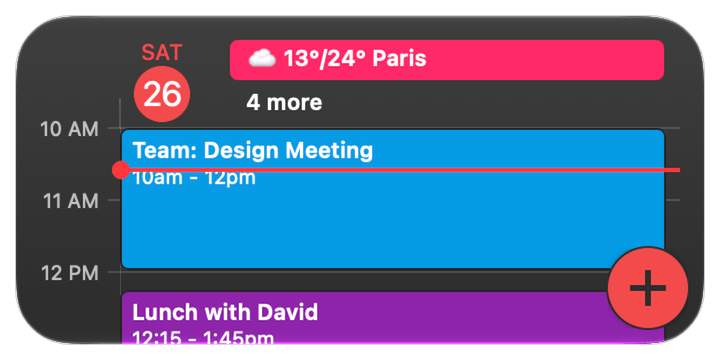
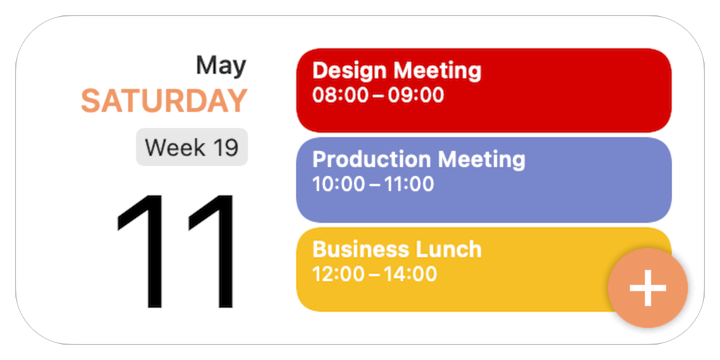
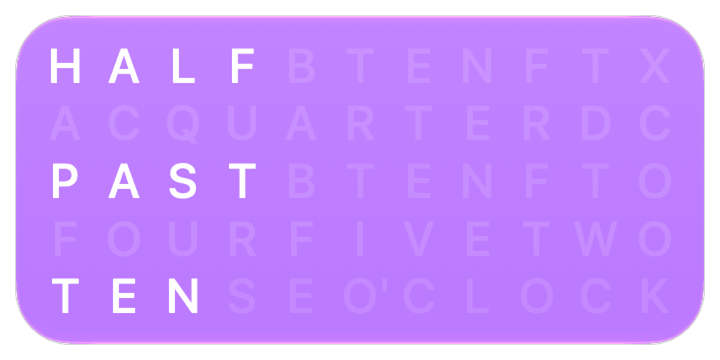
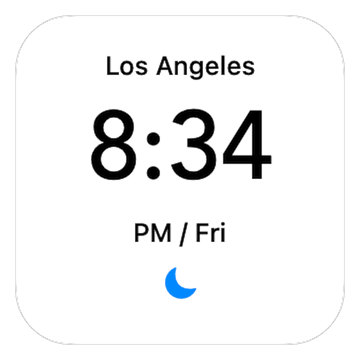
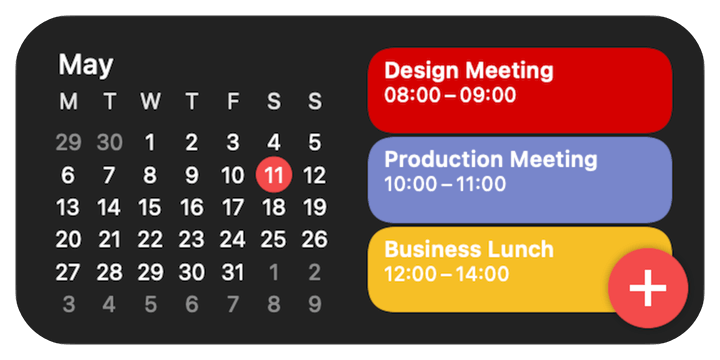
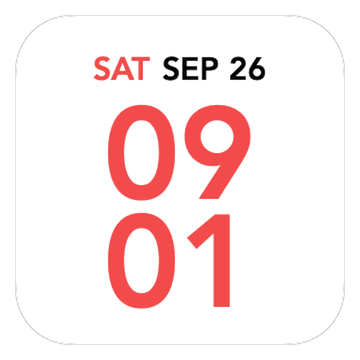
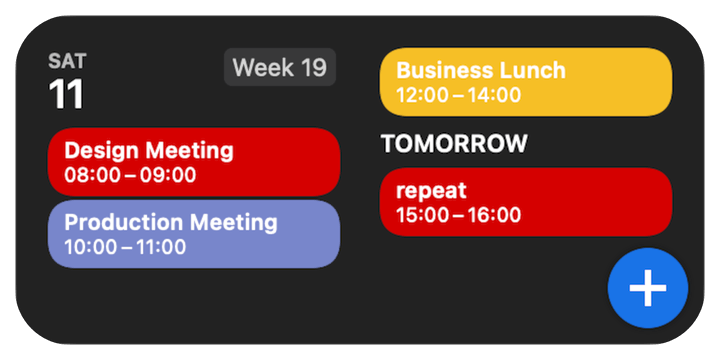
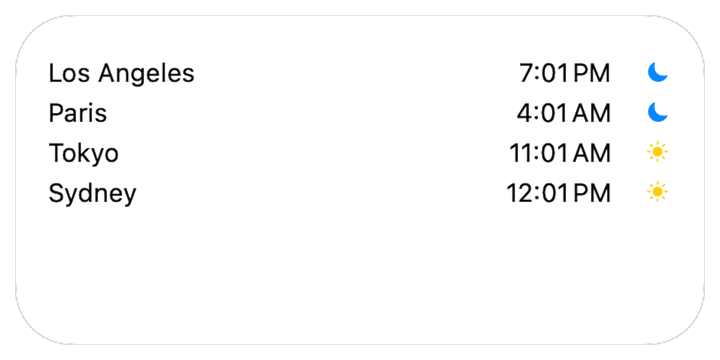
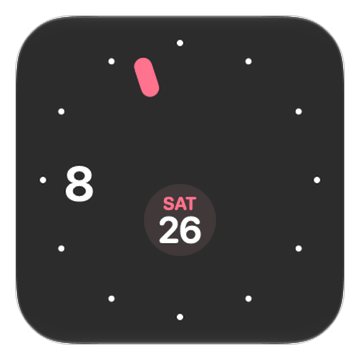
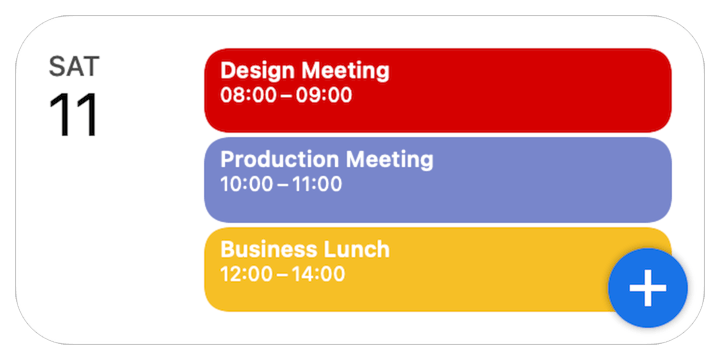
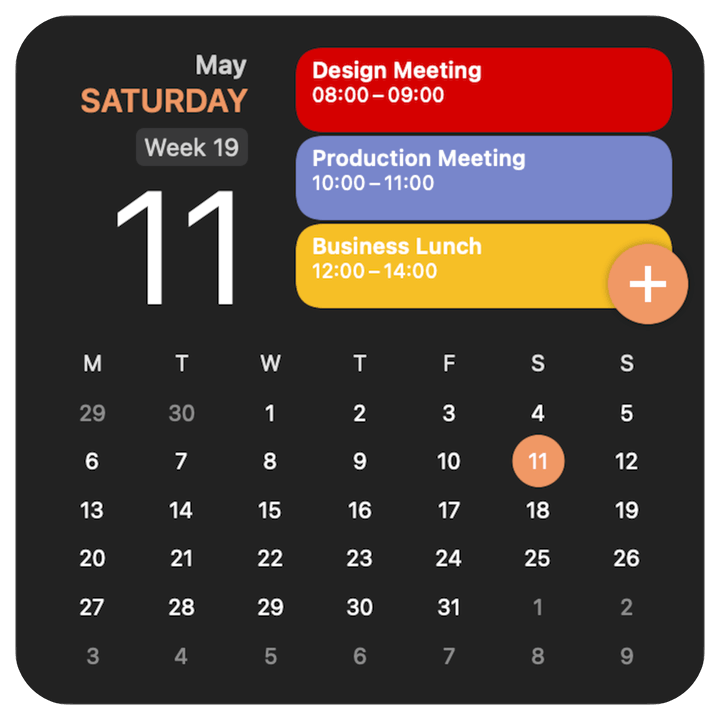
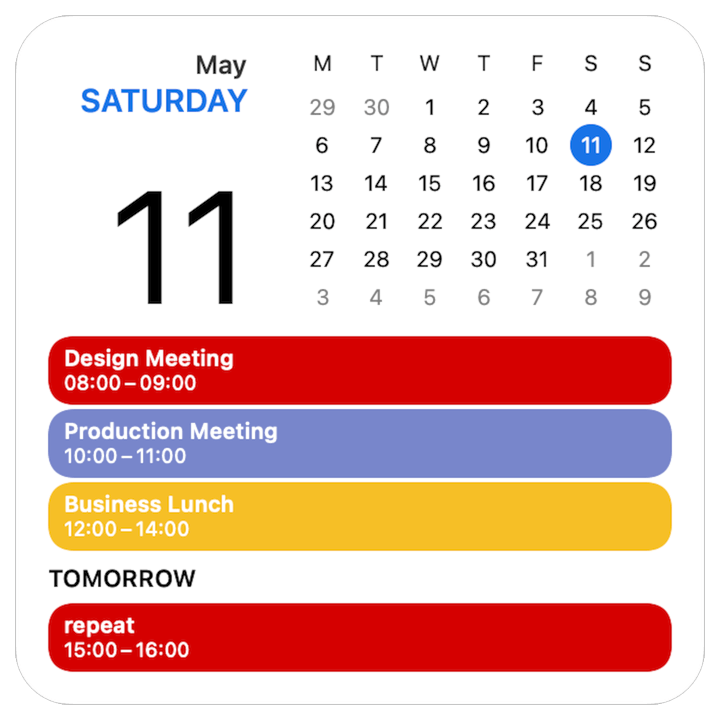
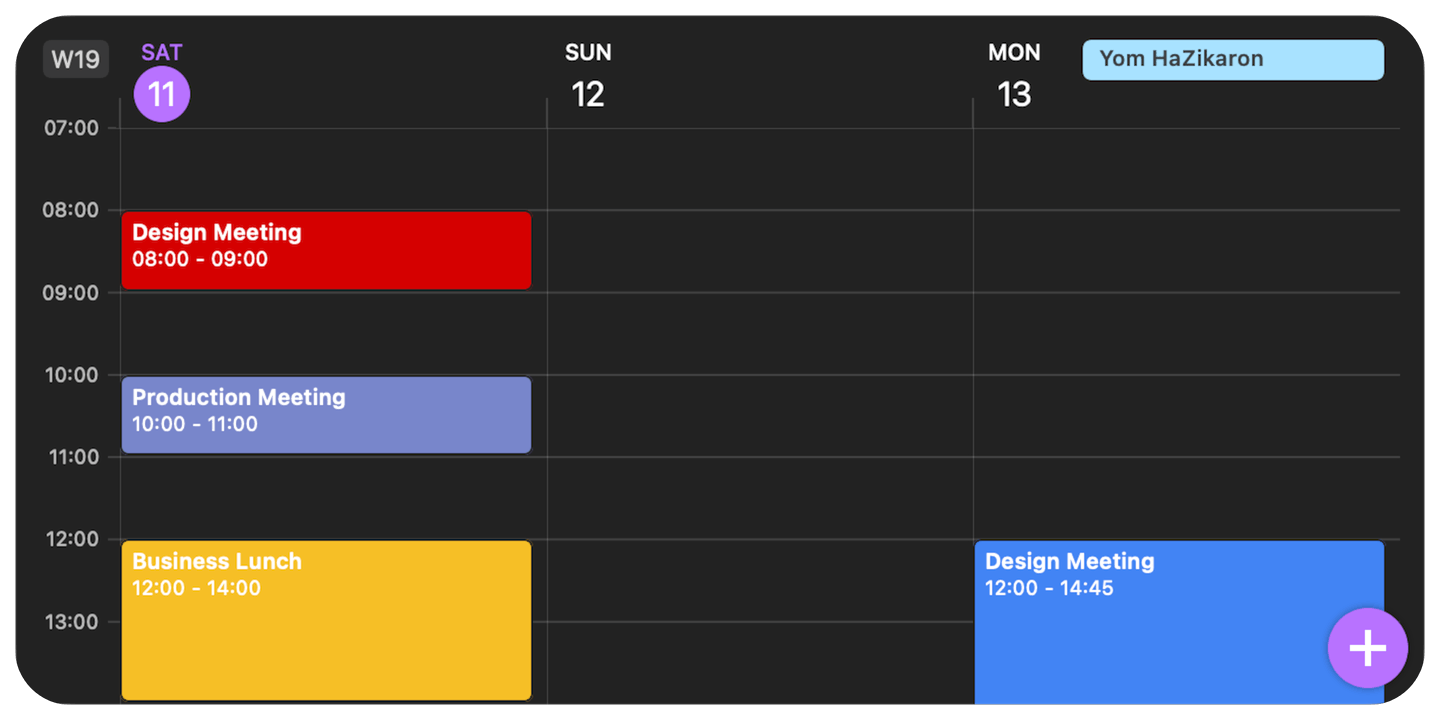
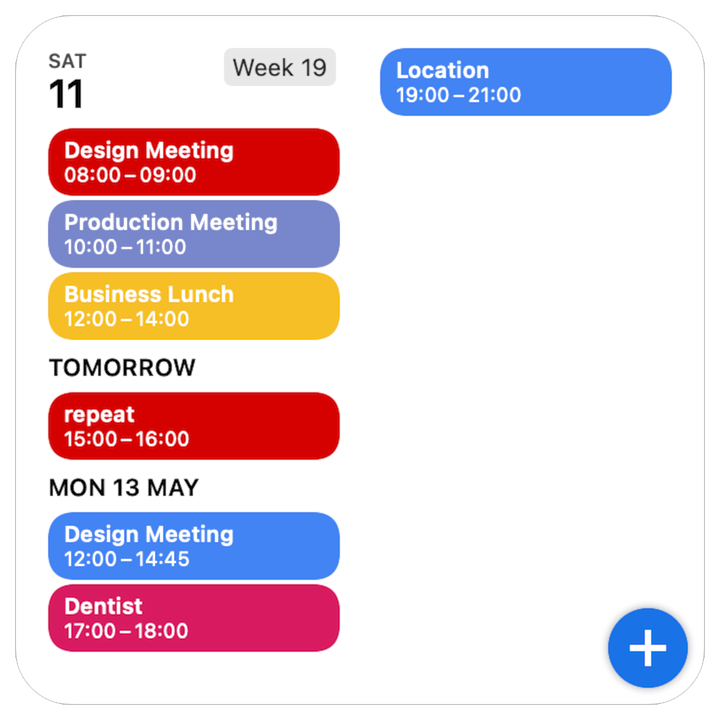
Very easy to use and love the desktop widget
★★★★★
Really good
It's really good and useful - what more can you say?
★★★★★
Excellent
If you want Google Calendar as an app instead of using it in a web browser, this is perfect.
★★★★★
My Go To
Love Google Calendar. I've tried many others but GCal is the BEST!! Love how I can add tasks into it and it shows on my calendar!
★★★★★
Like clockwork!
This is a very useful app. I definititely recommend using it. :)) It really is excellent! :)))
★★★★★
Great app!
Very useful and fast app to manage Google Calender events on desktop without browser.
★★★★★
A Good App!!!
I really love the app!! It has helped me stay on scedule while in college and its extremly easy to use.
Calendar Sets
Your calendars.
The right combination.
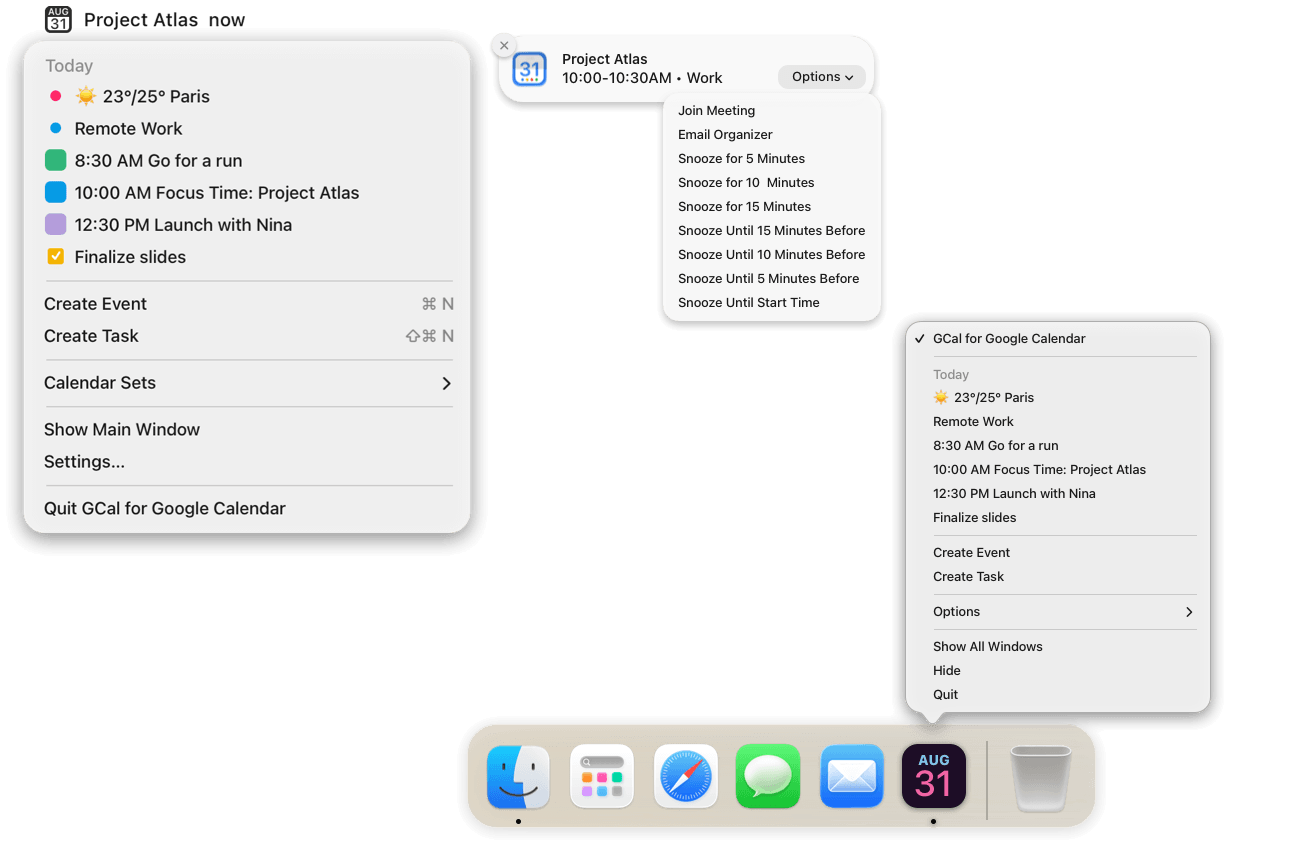
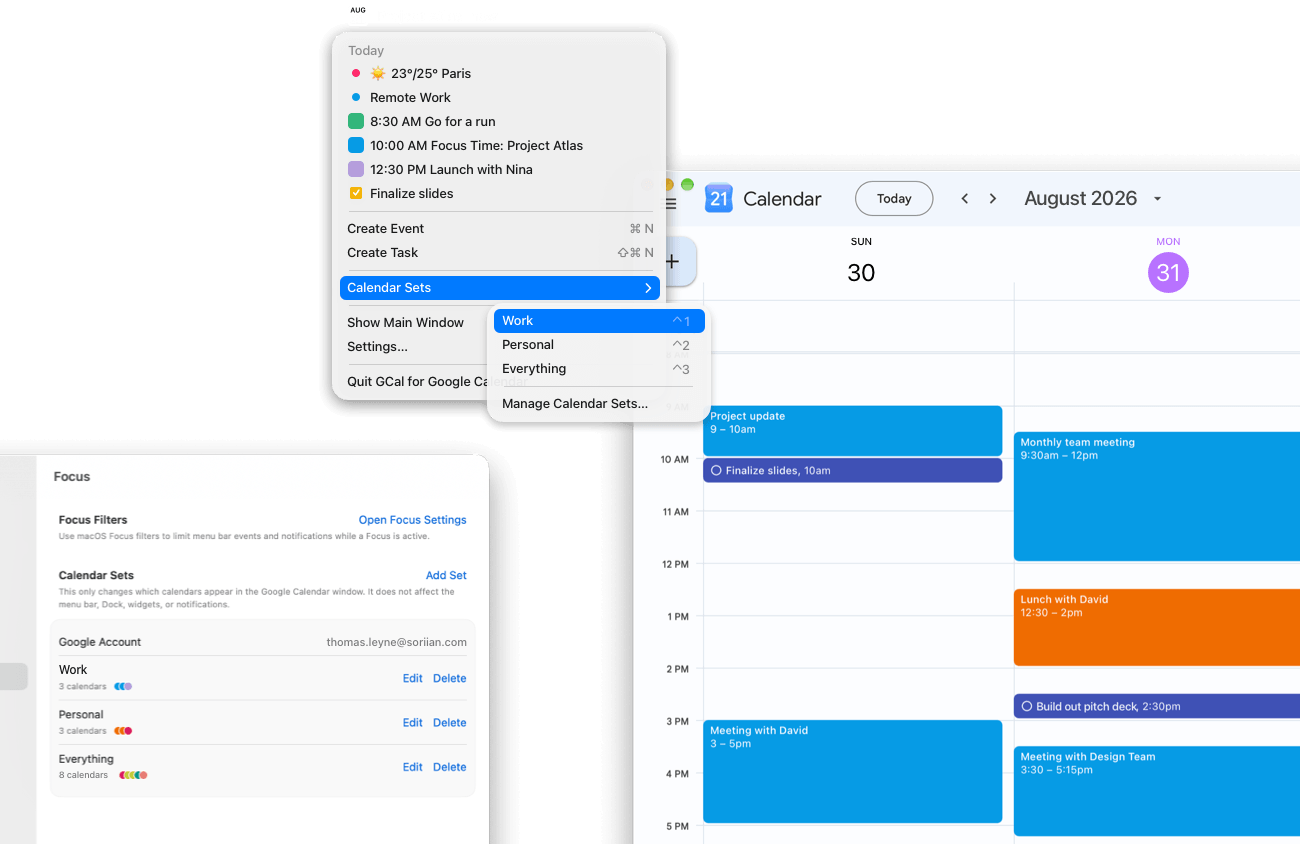
Work, personal, or everything together. Save your favorite combinations as Calendar Sets and switch between them with a click, right inside the Google Calendar you know.
For quieter work time, use macOS Focus filters to choose which events appear in your menu bar and notifications.
Discover Calendar SetsUseful details. Personal touches.
Make Google Calendar
feel like yours.
Check availability from other accounts while planning your day. Make event titles easier to scan with tags, hide hours you don’t use, and duplicate events quickly. Bring it all together with your choice of colors and backgrounds.
Explore calendar enhancements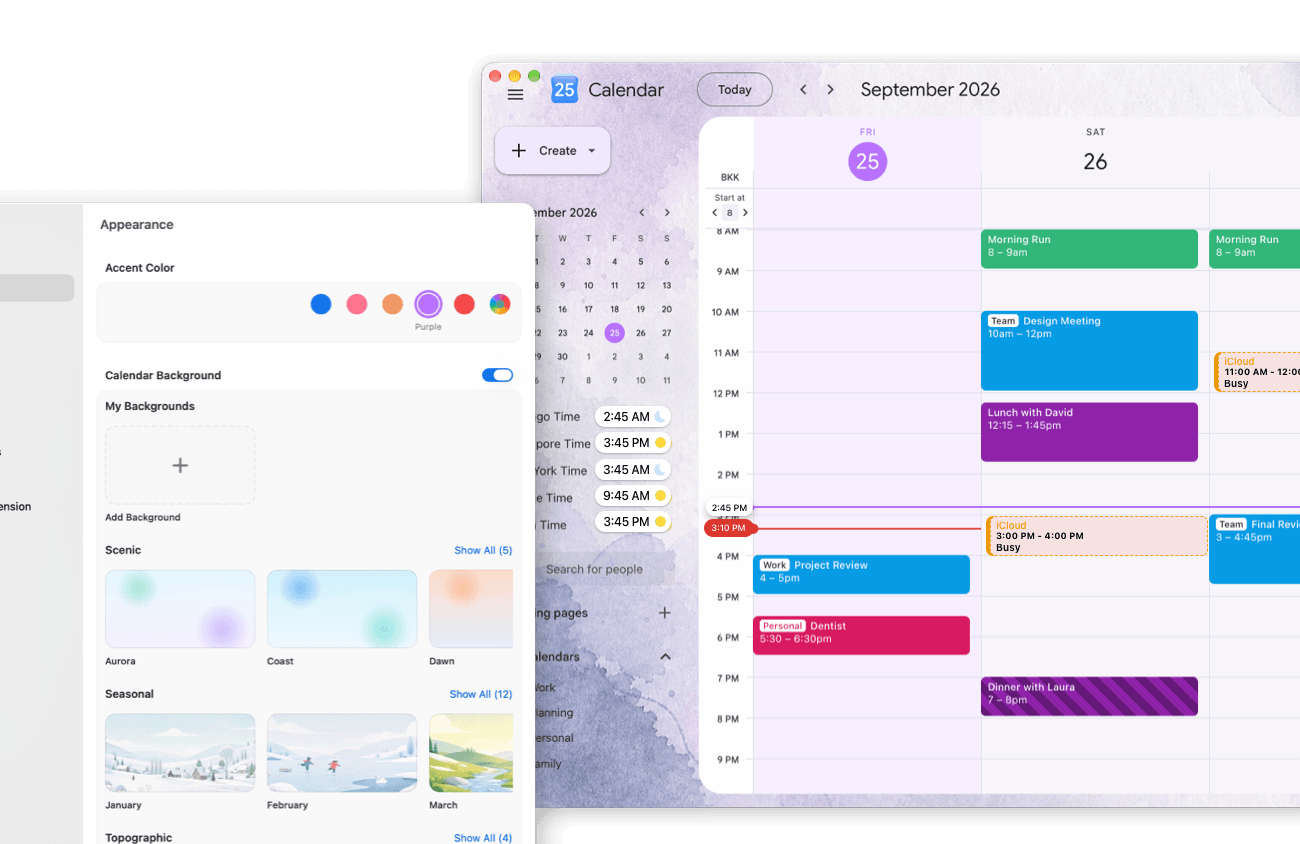
Apple Shortcuts · AI assistants
A little less
calendar work.
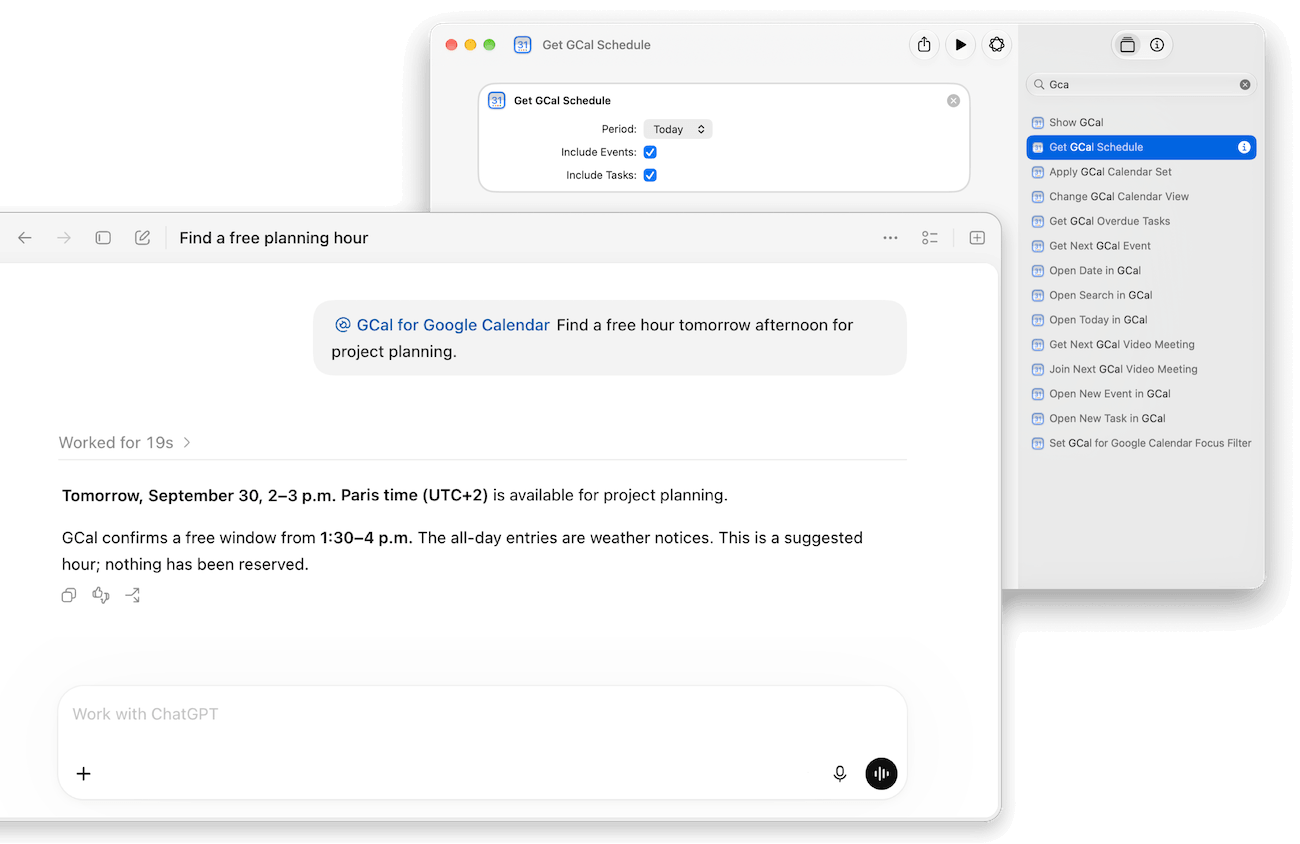
Build a daily briefing with Apple Shortcuts. Ask your connected AI assistant to find a free hour or prepare an event for you to review. Make your schedule part of the tools and routines you already use.
GCal FAQ
A few things
to know.
01What is GCal?
GCal brings the Google Calendar you know into a dedicated Mac app. It combines familiar scheduling with tools to personalize your calendar, stay focused, and automate everyday tasks, so your calendar fits the way you work. Explore what GCal can do.
02Which versions of macOS does it support?
GCal requires macOS 13 or later. Desktop widgets require macOS 14 or later; on macOS 13, use widgets in Notification Center. Google Calendar and calendar updates need an internet connection.
03Can I use more than one Google account?
Yes. Connect accounts to bring selected events together in GCal’s native agenda. The main window follows the Google account open there; calendar sharing lets you show another account’s calendars in that view. Set up multiple accounts.
