
Add GCal to a Focus
- Open GCal Settings → Focus → Open Focus Settings.
- In macOS System Settings, choose the Focus you want to configure, such as Work.
- Find Focus Filters, choose Add Filter, and select GCal for Google Calendar.
- Choose the filter you want and fill in its options. Save it, then activate that Focus to check the result.
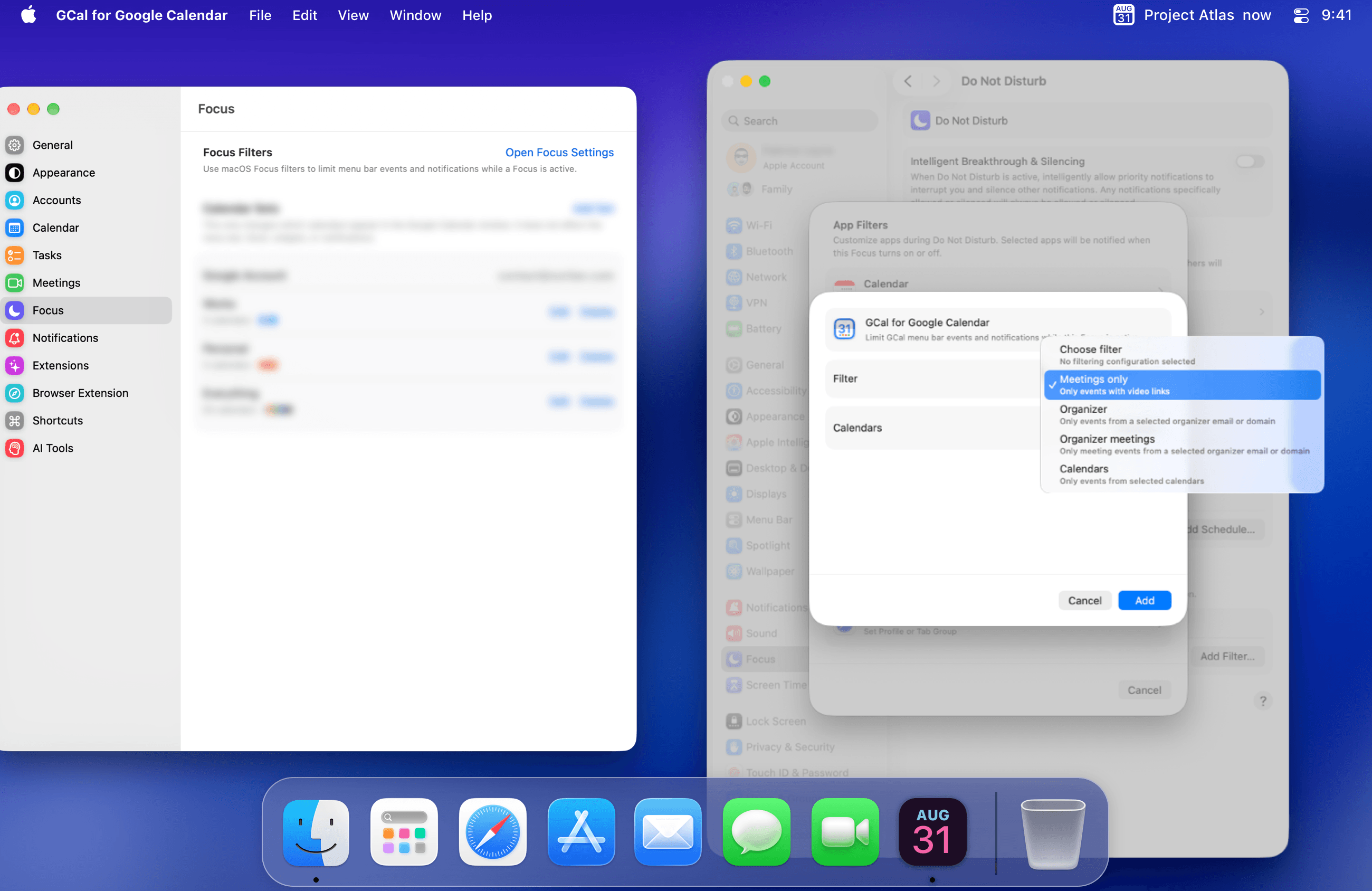
Allow GCal notifications during the Focus
A GCal Focus filter controls which events GCal includes. It does not automatically allow GCal notifications through the macOS Focus.
- Open System Settings → Focus.
- Select the Focus you configured.
- Under Allow Notifications, open Allowed Apps.
- Add GCal for Google Calendar if you want its event and task notifications to appear while this Focus is active.
If the Focus is configured to silence selected apps instead, make sure GCal is not included in the silenced-app list.
Choose what stays visible
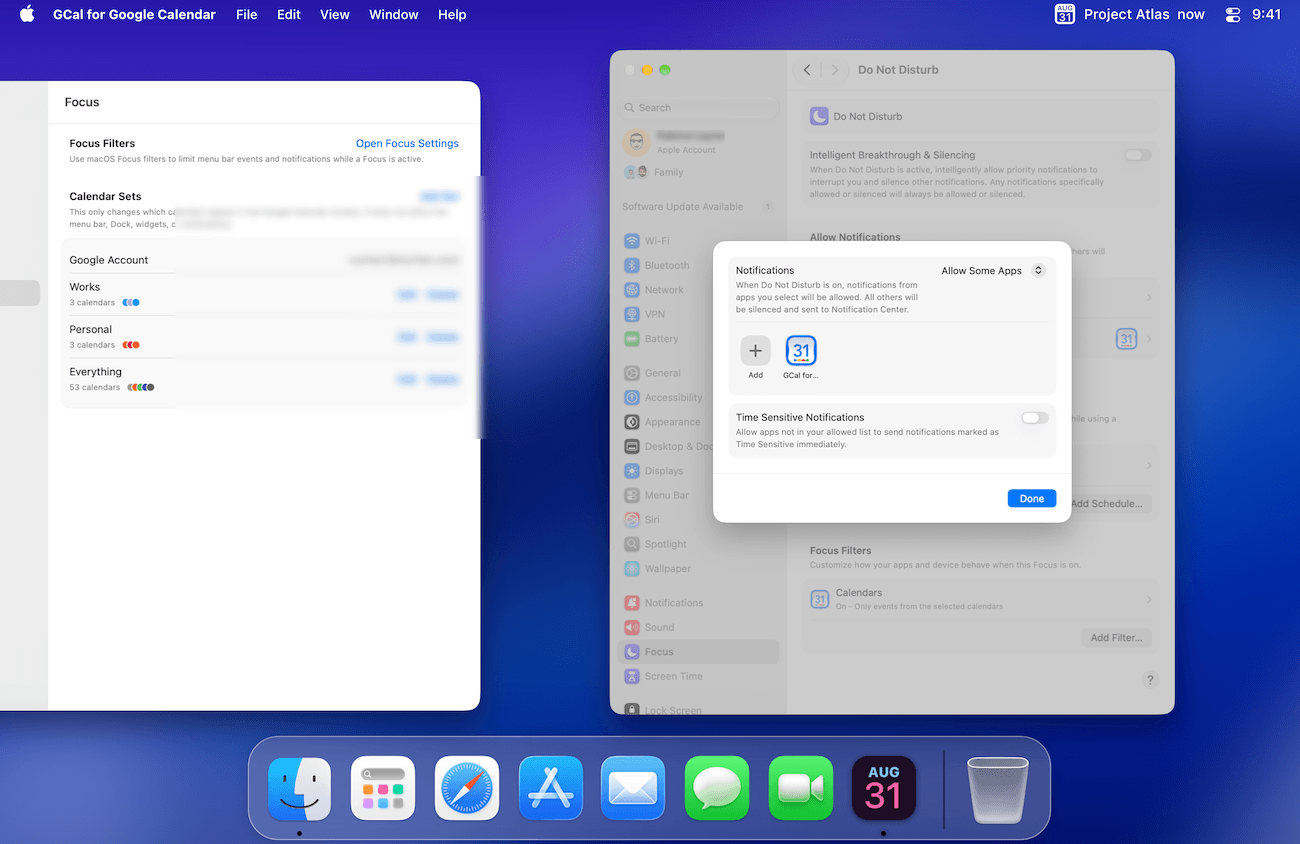
- Meetings only: include events with video links.
- Organizer: match events from a selected organizer email or domain.
- Organizer meetings: combine the organizer rule with the video-meeting requirement.
- Calendars: include events from selected calendars.
Focus filters limit the menu-bar events and notifications shown while that Focus is active. To switch calendar groups in the main window, use Calendar Sets.
If events or notifications seem to be missing
Temporarily turn the Focus off and compare the result. If events return, check both controls above. Adjust the GCal filter if the event is excluded, and check Allowed Apps if GCal notifications are silenced.